 tapwrld
How to Share Contact Info in 2026
Sharing contact info should take one motion. Most of the time it takes three: open something, find something, spell something. Here's the honest ranking of every method people actually use in 2026.
The five ways people share contact info
In any given week you'll see all five of these in the wild. Each has a real use case; only one is consistently friction-free.
- Typing it out. Slow, error-prone, kills momentum.
- AirDrop / Nearby Share. Fast between two people on the same OS who both know how to use it. Falls apart cross-platform.
- QR code. Works on any phone, but costs three steps: camera, aim, tap.
- Paper business card. Beautiful, tactile, ends up in a drawer.
- NFC tap. One motion, no app, works on any modern phone.
When each method actually wins
Type it. Use only when you're already in a thread together and just need to add a number. Otherwise: don't.
AirDrop. Best for two iPhone users who are already standing next to each other and both have Contacts open. Skip if there's any setup involved — momentum dies fast.
QR code. Good for a poster, a slide, or a printed menu — situations where the other person has to *pull out* their phone anyway. Less good in conversation.
Paper card. Beautiful and memorable, but unless the card is exceptional it lives in a drawer until you both forget who's who.
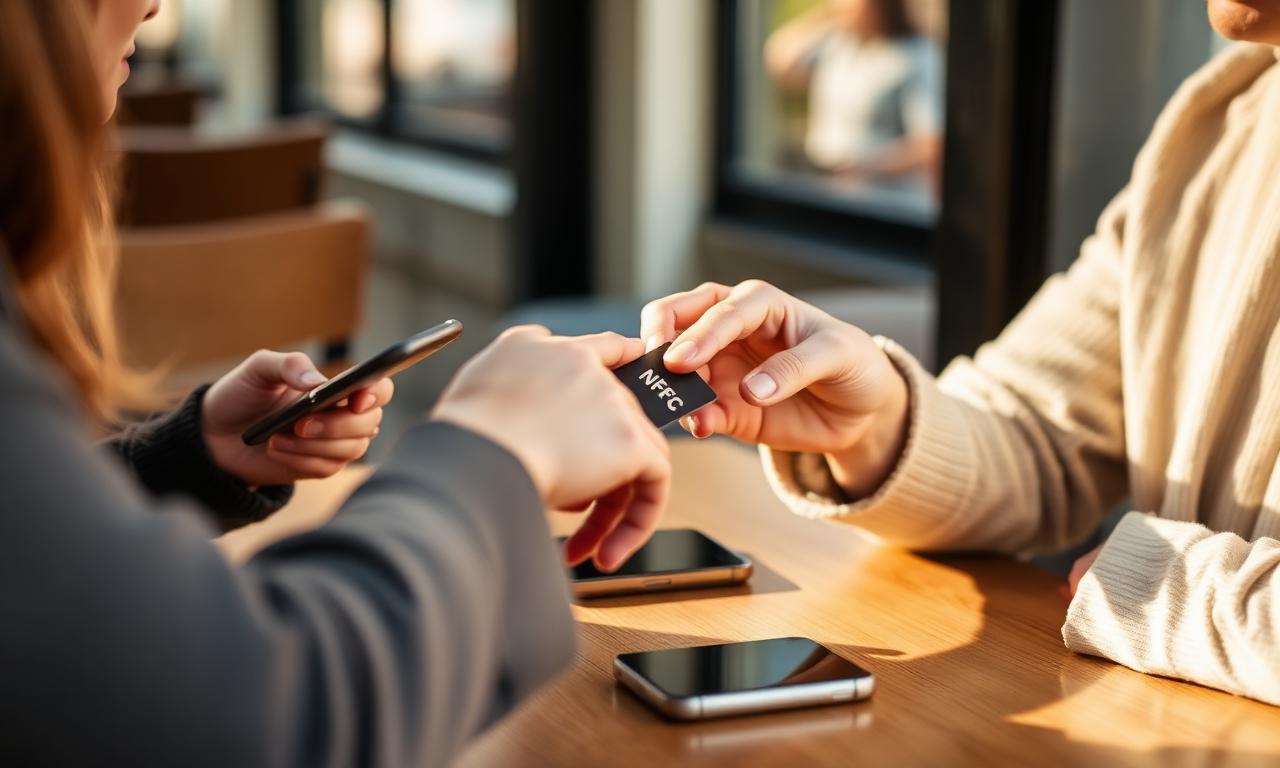
NFC tap. The cleanest handoff there is. The other person's phone is already in their hand. You touch their phone to your card, sticker, or phone case. Your profile opens. They save your contact. Done in two seconds.
What the recipient experiences
The single most important thing about sharing your info is whether the *other person* actually saves it. Anything that introduces a pause — "wait, let me find that", "what was the URL again?", "do I need an app?" — drops the save rate.
NFC removes every pause. The phone is in their hand, the OS reads the chip, the page opens, the contact saves with one tap. They don't think about the technology because there isn't any to think about.
The simplest setup for 2026
1. Get an NFC business card or sticker with a permanent profile URL. 2. Spend two minutes setting up the profile: photo, headline, save-to-contacts, two or three high-intent links. 3. Carry it the way you'd carry a paper card — wallet, phone case, laptop lid. 4. When you meet someone, slide the card across the table and let them tap.
That's it. The whole game is removing steps between "we just met" and "I have your contact saved."
Where Tapwrld fits
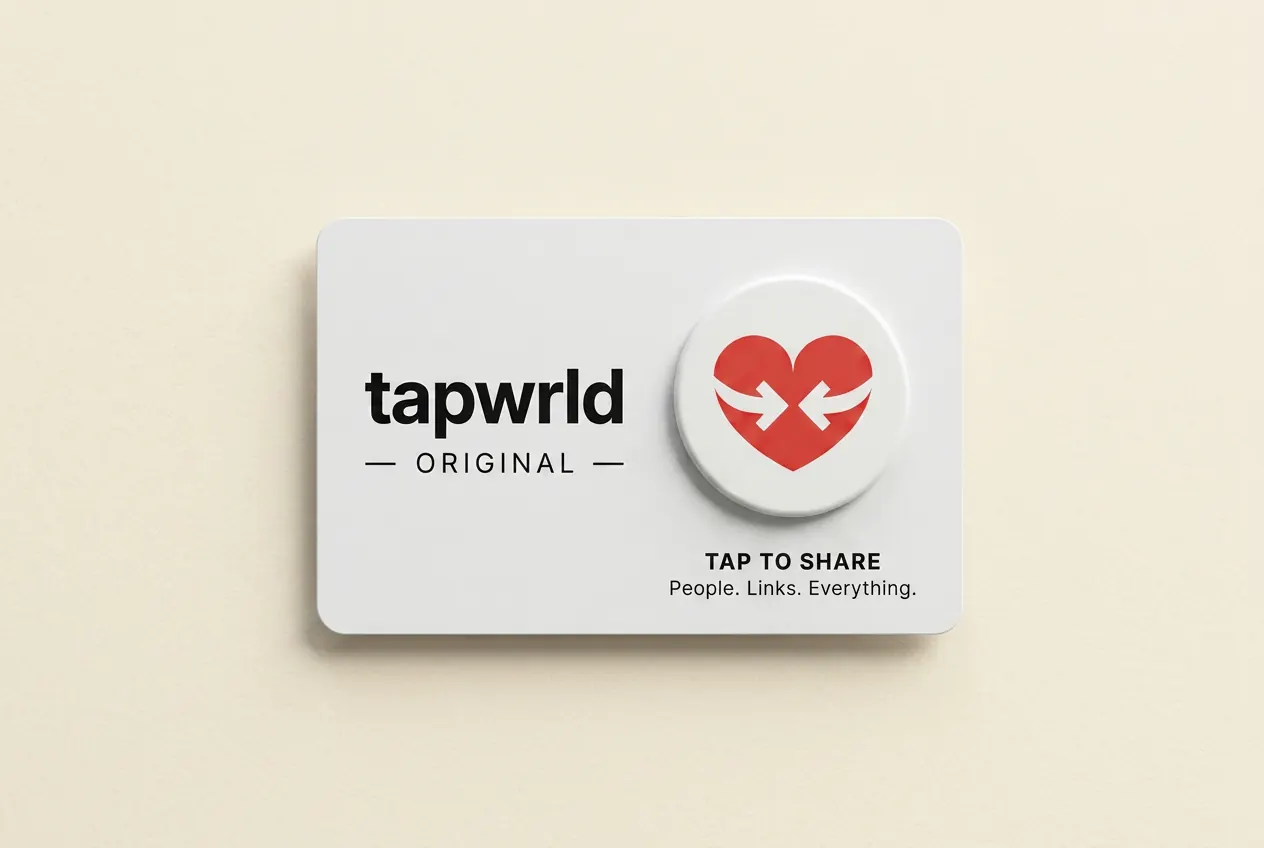
The Tapwrld Original gives you both shapes at once: a premium card to hand over *and* a peelable sticker badge to put wherever you want. One profile, one tap, both formats.
Frequently asked questions
What's the fastest way to share contact info with someone I just met?+
Hand them an NFC card or sticker and let them tap it. The profile opens in their browser and saves to contacts in one tap — no app, no typing.
Does AirDrop work to share contact info?+
Yes, between two iPhone users with Contacts open. It doesn't work cross-platform with Android, which makes it unreliable in most real meetings.
Are QR codes better than NFC for sharing contact info?+
QR codes work on any phone but require three steps (open camera, aim, tap). NFC is one motion. In conversation NFC wins; on printed signage QR is fine.
How do I keep my contact info up to date?+
Use a digital profile that lives at a permanent URL. Update the profile when your title or links change — the card or sticker keeps working without re-printing.
The Tapwrld Original
One tap. Every link, every time.
- Premium NTAG 424 chip · anti-clone
- Removable badge — peel & stick anywhere
- Ships in 1 day · Arrives in 3–5 business days
- 30-day money-back guarantee